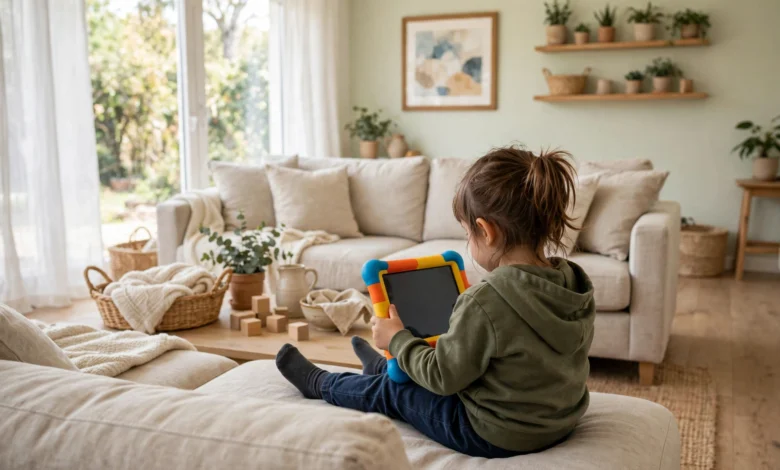
The best kids tablets for 2026 are not simply smaller versions of adult tablets, because a good children’s tablet has to survive drops, enforce sensible limits without a daily argument, and offer content that is actually appropriate for the age of the child holding it. The shortlist below is organised the way parents actually shop: a best overall pick that suits most primary-school children, a budget option for toddlers and younger children, and stronger picks for older children who need a tablet for homework as well as entertainment. The single most important lesson from years of children’s tablets is that durability, parental controls, and warranty matter far more than processor speed or screen resolution, because a tablet that breaks in week two or cannot be locked down properly is a bad buy no matter how impressive its specifications look on paper.


When you compare the best kids tablets side by side, the first decision is really about age, and getting that right will narrow the list faster than any specification comparison. Toddlers and children under six need a tough bumper case, a simple interface, and content that is curated rather than open-ended, which is why the Fire Kids range dominates that age group in the UK. Children aged six to ten need a larger screen for reading and school apps, stronger parental controls with time limits and content filters, and a battery that lasts a school day. Older children, from around eleven upwards, often need a tablet that can handle homework, video calls, and creative apps without feeling like a baby’s toy, which is where the iPad and Samsung ranges enter the picture despite their higher prices.
The Shortlist at a Glance
The shortlist for the best kids tablets in 2026 starts with the Fire HD 10 Kids Pro, which is our best overall pick because it combines a large, bright 10-inch screen with a tough kid-proof case, a two-year worry-free guarantee, and a full year of age-appropriate content, all at a price that has been around £115 when on offer. For younger children and tighter budgets, the Fire HD 8 Kids is the obvious alternative, offering the same protective case and guarantee in a smaller, cheaper package that is easier for small hands to hold and less painful to replace if the worst happens. For older children, the Samsung Galaxy Tab S11 enters the conversation from around £799, while Apple’s iPad A16 at around £405 and the iPad 11 at around £329 offer the strongest app ecosystem for schoolwork, and the Lenovo Idea Tab at around £209 is a solid mid-range Android option for families who want a bigger screen without Apple or Samsung prices.
What ties these picks together is not raw power but the whole package around the device, and that is the lens through which every children’s tablet should be judged. A good bumper case that absorbs drops, a guarantee that replaces a broken tablet without a fight, parental controls that actually work, and a content library that does not constantly push purchases at a child are worth far more than a slightly faster chip that no child will ever notice. Prices in this market move with sales and back-to-school promotions, so treat every figure in this guide as approximate and always check the live retailer price, including whether a case and a content subscription are included in the box or sold separately.
Best Overall Pick for Most Children
The Fire HD 10 Kids Pro is our best overall pick because it hits the sweet spot that most families actually need: a screen large enough for reading, drawing, and video, a case tough enough to survive the school bag, and a software setup that lets a parent control content, set time limits, and approve new apps from their own phone. Its 10-inch display is a meaningful step up from the 8-inch models for children who are starting to read longer books or use school apps, while the included bumper case and the two-year worry-free guarantee mean that a cracked screen is an inconvenience rather than a financial disaster. The first year of age-appropriate content is also included, which gives a child plenty to explore immediately without a parent having to build a library from scratch on day one.
You can compare current pricing and bundle options on the retailer’s own site at Amazon UK before buying, and it is worth checking whether the listing you choose includes the case and the content subscription, since some marketplace sellers strip those out to advertise a lower headline price. The main compromise with this pick is that it is an Amazon ecosystem device, which means the app selection, while large, is not identical to the full Google Play store or Apple’s App Store, and families deeply invested in Apple or Google services may prefer a different pick. For most primary-school children, however, that trade-off is invisible in daily use, and the combination of price, durability, and controls is why this model leads our best kids tablets list for 2026.
Best for Toddlers and Tight Budgets
For toddlers and younger children, the Fire HD 8 Kids is the pick that makes the most sense, because it takes everything that makes the larger Fire Kids models good and packages it in a smaller, lighter, cheaper device that small hands can actually hold comfortably. The 8-inch screen is plenty for the cartoons, simple games, and read-along books that dominate a young child’s screen time, and the same chunky bumper case and two-year worry-free guarantee apply, which matters enormously when the user is a three-year-old whose idea of putting something down is dropping it from sofa height. Battery life is also strong enough for a day of intermittent use, and the parental dashboard lets a parent set a bedtime, limit total screen time, and block web browsing entirely, which removes the most common worries about handing a connected device to a small child.
The honest limitation of a smaller, cheaper tablet is that it will feel cramped sooner as a child grows, with a smaller screen for reading and less storage for apps and downloads, so it is best thought of as a first tablet rather than a device that will last through primary school. Storage can usually be expanded with a memory card, which is a cheap fix worth doing at purchase, and the case and guarantee mean the device itself will probably outlast the child’s interest in its size. If your child is already seven or eight, skip straight to the 10-inch model instead, because buying the smaller tablet first and replacing it a year later costs more than buying the right size once.
Best for Older Children and Homework
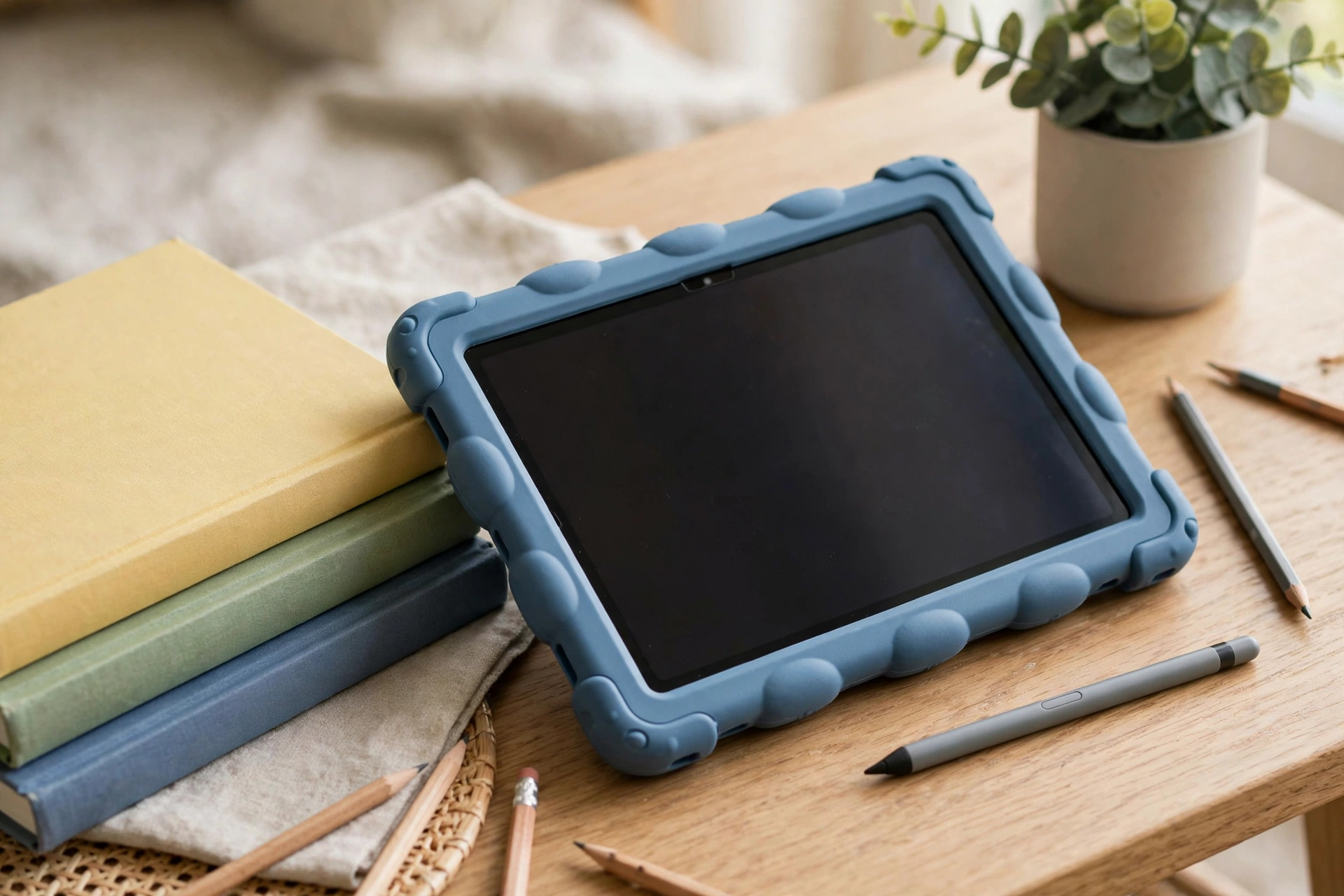
Older children need a different kind of device altogether, because a tablet that looks like a toy will be rejected by an eleven-year-old, and homework demands a larger screen, a proper browser, and apps that are not locked behind a children’s content wall. The iPad 11, at around £329, is the most sensible Apple option for this age group, offering the full App Store, excellent build quality, and a device that will receive software updates for years, while the iPad A16 at around £405 adds more power for creative work and gaming. The Samsung Galaxy Tab S11, from around £799, is the premium Android alternative, with a superb screen and a stylus in the box that suits note-taking and drawing, though its price puts it firmly in the territory of a device that should be bought for a teenager who will genuinely use it for school rather than as a casual gift.
The Lenovo Idea Tab, at around £209 with an 11-inch screen, is the pick for families who want a bigger screen and a more grown-up device without paying Apple or Samsung prices, and it handles homework, video, and reading perfectly well for most secondary-school needs. Whichever of these you choose, the parental conversation changes at this age, because older children need agreed boundaries rather than locked-down restrictions, and the best approach is a shared understanding about screen time, social media, and charging the device outside the bedroom overnight. A case is still essential, since teenagers are not notably gentler with devices than younger children, and a good folio case that protects the screen in a school bag is money well spent.
What Matters More Than Specifications
Processor speed, RAM, and megapixel counts dominate adult tablet marketing, but for a children’s tablet they are almost entirely the wrong things to optimise, and parents who shop by specifications alone usually end up disappointed. What actually determines whether a children’s tablet is a good buy is the case, because a tablet that survives drops will last years while a fragile one will not survive a term, and the guarantee, because a two-year replacement promise transforms a broken screen from a crisis into a phone call. Parental controls come next, since a dashboard that lets you set time limits, approve content, and see what your child has been doing is the difference between a device you feel good about and a device you constantly worry about, and the best systems let you adjust those controls as your child grows rather than locking you into one age setting forever.
Content and connectivity deserve equal attention, because a tablet with nothing good to do on it will quickly become a YouTube machine, while a tablet with a curated library of books, educational apps, and creative tools will earn its place in the house. Check whether a content subscription is included and what it costs after the first year, whether the tablet works well offline for car journeys and holidays, and whether it supports the school apps your child’s school actually uses, since a tablet that cannot run the school’s reading or maths app is a poor choice no matter how cheap it is. Battery life, weight, and storage round out the practical checklist, and a memory card slot is a small feature that makes a large difference when a child’s library of downloads starts to grow.
How to Choose in Five Minutes
A fast, reliable choice comes from three questions, and the answers will point to one of the picks above without hours of comparison. First, how old is the child, because under six points to the Fire HD 8 Kids, six to ten points to the Fire HD 10 Kids Pro, and eleven and over points to the iPad, Samsung, or Lenovo options depending on budget. Second, what is the tablet actually for, because pure entertainment and early reading suit the Fire range perfectly, while homework, creative work, and a device that must last into secondary school justify the higher spend on an iPad or Samsung. Third, what is your real budget including the case, because a cheap tablet with an expensive case and subscription can cost more than a bundled pick, and the Fire range’s included case and guarantee are a large part of its value.
Once those answers are clear, check the live retailer price, confirm exactly what is in the box, and buy from a retailer with a clear returns policy, since a tablet is one of the few purchases where a child should be allowed to try it and reject it if the size or weight feels wrong. Keep the box for the first few weeks, set up the parental controls together with your child so the limits feel agreed rather than imposed, and agree the charging and bedtime rules on day one, because a tablet with clear boundaries from the start causes far fewer arguments than one where the rules are invented after the first late-night session. Done that way, the right choice among the best kids tablets becomes a genuinely useful part of family life rather than a source of constant negotiation.
Conclusion
The best kids tablets pick for a UK family in 2026 is the one that matches your child’s age, survives your child’s lifestyle, and gives you controls you actually trust, rather than the one with the most impressive specifications on the box. For most primary-school children that means the Fire HD 10 Kids Pro, for toddlers and tight budgets it means the Fire HD 8 Kids, and for older children it means the iPad 11 or iPad A16, the Samsung Galaxy Tab S11, or the Lenovo Idea Tab depending on how much you want to spend. Whichever pick you choose, the formula is the same: prioritise the case and the guarantee, set the controls up properly on day one, and check the live retailer price including everything in the box before you commit.
A good children’s tablet can open up reading, creativity, and learning in ways that genuinely enrich a child’s life, and the models in this guide have earned their places by balancing fun with safety in a way that parents can feel confident about. Choose by age first, budget second, and specifications last, and you will end up with a device that gets used happily rather than argued over. That is the real test of a children’s tablet purchase, and it is one that the picks in this guide are designed to pass.
FAQs
What age is a Fire Kids tablet suitable for? Fire Kids tablets are designed for children roughly aged three to twelve, with the Fire HD 8 Kids suiting toddlers and younger children thanks to its smaller size and simple interface, and the Fire HD 10 Kids Pro suiting children from around six upwards thanks to its larger screen and broader content. The parental dashboard lets you adjust content, time limits, and access as your child grows, so the same device can evolve from a toddler’s cartoon machine into a primary-school reading and learning tablet over several years.
Do kids tablets need a case? Yes, absolutely, and this is one area where you should never try to save money, because a children’s tablet without a proper bumper case is a cracked screen waiting to happen, and the cost of a repair will dwarf the cost of the case. The Fire Kids range includes a chunky bumper case in the box, which is a large part of its value, while iPad, Samsung, and Lenovo buyers should budget for a good folio or bumper case at purchase and fit it before the tablet is handed over, since the first drop usually happens within days.
Are parental controls actually effective? Good parental controls are effective when they are set up properly, because they let you limit total screen time, set a bedtime after which the tablet locks, block web browsing and purchases, approve individual apps, and see a summary of what your child has been doing. No control system is perfect, and older children will eventually find workarounds, which is why controls work best combined with agreed family rules about where the tablet charges overnight and what is acceptable to watch, rather than relied on as a complete substitute for supervision.
How much should I spend on a child’s tablet? Most families should expect to spend between around £100 and £350 for a good children’s tablet, with the Fire Kids range covering the lower end and the iPad 11 covering the upper end of that sensible range, while spending £799 on a Samsung flagship only makes sense for an older child who will use it heavily for schoolwork. Remember to budget for the case if it is not included, a memory card if the tablet supports one, and any content subscription after its included period ends, since those extras are part of the real cost of ownership.
Can a kids tablet be used for schoolwork? Yes, but the suitability depends on age and model, because a Fire Kids tablet handles early reading, maths apps, and drawing well, while older children doing proper homework will benefit from the full app stores and larger screens of an iPad, Samsung, or Lenovo tablet. Check which apps your child’s school uses before buying, make sure the tablet can run them, and consider a keyboard case for secondary-school children who need to type longer pieces of work, since typing an essay on a touchscreen alone is slow and frustrating.
If you found this guide helpful, you may also enjoy our other home and family buying guides on this site.
Robot Vacuum: The Best UK Models for 2026 by Home and Budget You can find more top UK family picks in our related articles here on the site.